(Last verified on October 6, 2026)
To make your arrival to, and departure from, our annual Dominican Republic Winter Ball Adventure baseball tour as smooth as possible, please take about ten minutes per passenger to fill out your digital “E-Ticket.” We suggest doing this at least a couple of weeks before your trip, in case there are any issues to address.
You must complete the form before entering and exiting the country. Follow the directions below.
- Click here to access the official government E-Ticket form. Note that this form is free – if you are prompted to submit any payment, then you are in the wrong place and potentially being scammed.
- Select “English” at the top-right (the form often reverts to Spanish during the application process; you may have to select “English” at the top-right multiple times)
- Click “E-Ticket Application” to begin filling out the form, then “New e-ticket.”
- Indicate whether you are traveling with someone else, such as a family member (being with a tour group does not mean that you are traveling with someone else for these purposes).
- Check the box that says “I am not a robot,” then click “Submit.”
- Fill out the required personal info (in the City section, click “Click here to select” to search for your home city in the database)
- Select “Arrival to the Dominican Republic” and then “Next”
- Enter all the required travel info. You will need your passport and flight info (including confirmation #) to complete the form.
- The flight info you enter will only be the segment of your itinerary that takes you into (or out of, when you submit departure flight details) the D.R. (as opposed to your origin airport, if you have a connection). “Embarkation Port” is where you board your final flight to the D.R., and “Disembarkation Port” is where you land in the D.R.
- The section that asks for your first and last name is a bit unique because Hispanic names are structured differently. Where it says “Names,” put your first and middle name, and where it says “Last Names,” put your last name.
- The form asks if you are staying in a hotel. Our Segment 1 and Full Tour guests should select “yes” and enter “Crowne Plaza” to populate the option to select (If you are only going to Juan Dolio for Segment 2, select “Hotel Casa Hemingway”).
- Your travel purpose is “Leisure” (not “Sport”)
- If you’re traveling with more than one person, continue with Passenger 2
- At the end, it will ask if you want to add your exit info. Yes, you do! You’ll need to enter all your departure flight info – just the flight that leaves the D.R.
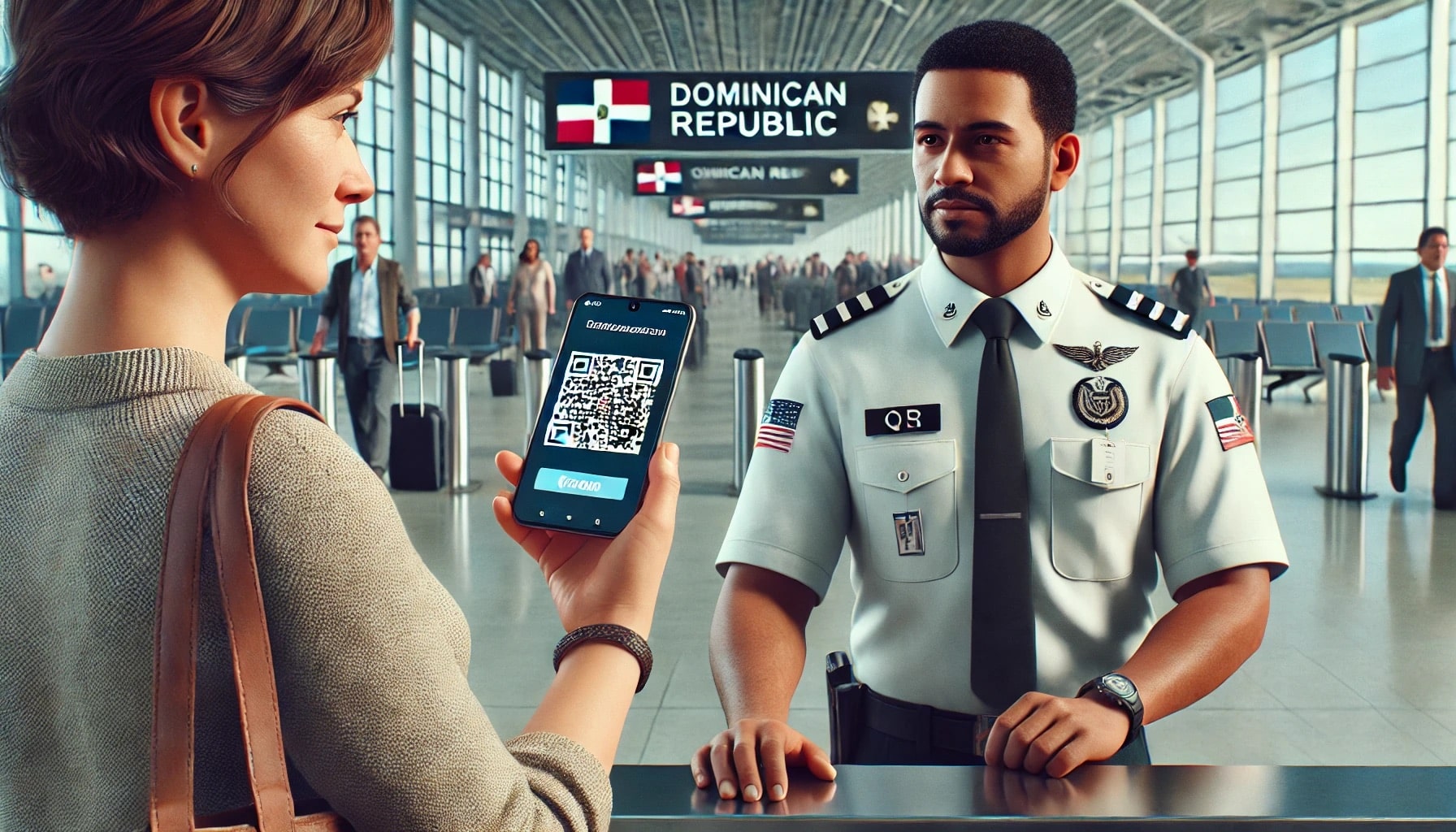
Once you complete all the info, two unique QR codes are generated – one for arrival (“entrada”) and the other for departure (“salida”). Click the button to download a PDF with your codes and also click “Send by e-mail.” You’ll receive an email to the address you entered with two attached PDFs – one for arrival and another for departure. Be sure to download the codes and click the email button immediately because if you don’t, you might have to do the process again.
Make sure that you have the saved QR codes on your person while traveling (e.g., on your phone and/or a printed copy).